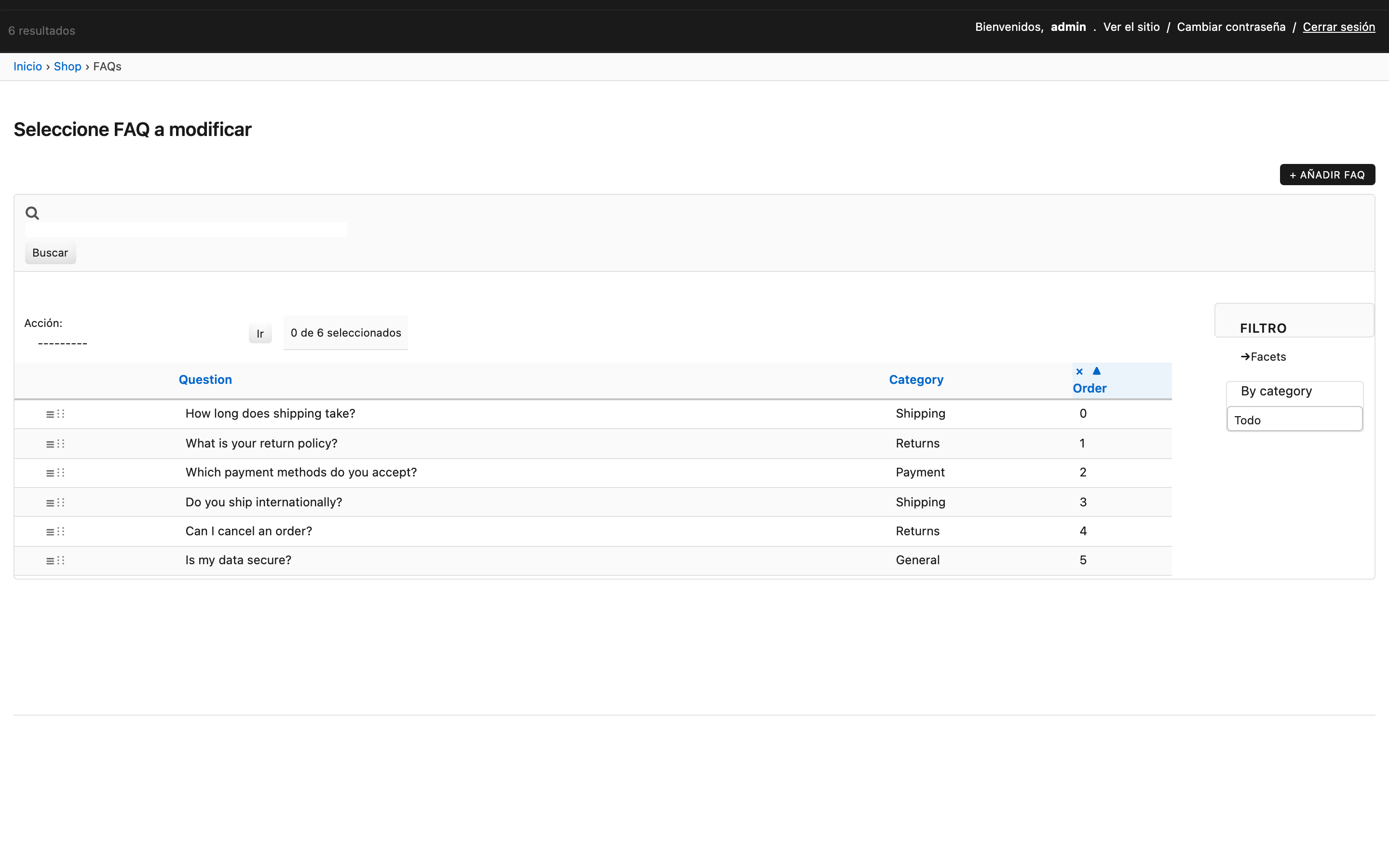
Ordered models
Replaces django-ordered-model. Atomic move_to(n) and HTML5 Drag & Drop inlines, ~120 LOC.
Model
from django.db import models
from django_yp_admin.models import OrderedModel


class Album(models.Model):
    name = models.CharField(max_length=100)


class Track(OrderedModel):
    title = models.CharField(max_length=100)
    album = models.ForeignKey(Album, on_delete=models.CASCADE, related_name="tracks")
    order_with_respect_to = "album"  # separate sequences per album

    class Meta(OrderedModel.Meta):
        constraints = [
            models.UniqueConstraint(
                fields=["album", "order"],
                name="track_album_order_uniq",
            )
        ]
order_with_respect_to accepts a string (one FK) or a tuple of strings (multi-key grouping).
Concurrency: declare a UniqueConstraint
move_to() uses select_for_update(), but a database-level
UniqueConstraint over the order_with_respect_to fields plus order is
required to prevent two concurrent transactions from producing duplicate
ordering rows. Subclasses MUST declare it themselves — OrderedModel is
abstract and the field set is per-subclass.
For models without order_with_respect_to, constrain ["order"] alone or
mark the order field unique=True.
API
instance.order— the current position. Auto-assigned onsave()if missing.instance.move_to(n)— atomically shift this row to positionn. Sibling rows in(old, new](or[new, old)) are shifted by ±1 in a singleUPDATE … SET order = order + 1underselect_for_update().
last = Track.objects.filter(album=album).last()
last.move_to(0)  # promote to first
Drag & Drop in the admin
from django_yp_admin.contrib.ordered_admin import OrderedAdmin
from django_yp_admin.options import TabularInline


class TrackInline(TabularInline):
    model = Track
    sortable_field = "order"   # enables HTML5 DnD + htmx reorder endpoint


@admin.register(Album)
class AlbumAdmin(ModelAdmin):
    inlines = [TrackInline]
No jQuery UI. Reordering hits the views/reorder.py endpoint via htmx and the rows visually swap immediately.